
-
How to Hardwire Your Internet Course
Regular price $19.00 USDRegular price -
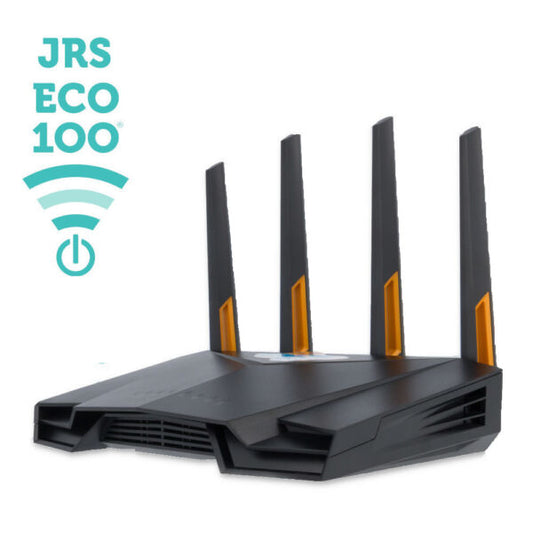
JRS Eco 100 Era Low EMF WiFi Router
Regular price $477.00 USDRegular price -
LessEMF High Performance Hooded Scarf
Regular price $157.23 USDRegular price -
LessEMF Hooded Scarf with Pockets
Regular price $163.73 USDRegular price -
LessEMF WiFi Signal Tamer
Regular price From $48.93 USDRegular price -
SYB Picture Frame
Regular price $48.97 USDRegular price










Frequently Asked Questions
What equipment do I need to hardwire my internet?
Basic setup: ethernet cables (Cat6 recommended) to run from your router to devices. For laptops without ethernet ports, add a USB-to-ethernet adapter. For phones/tablets, get device-specific ethernet adapters (Lightning for iPhone, USB-C for Android). For multiple devices, an ethernet switch expands your router's ports.
Can I hardwire my connection for remote work requirements?
Yes. Many employers require hardwired connections for security and reliability. Connect your work laptop directly to your router via ethernet (using an adapter if needed). This provides the stable, fast connection required for video calls and VPN while eliminating WiFi radiation exposure during your workday.
How much does hardwiring reduce EMF compared to WiFi?
Hardwiring eliminates up to 100% of RF radiation from your network connection. WiFi routers emit measurable radiation continuously—typically 0.1-2.0 V/m at close range. A hardwired connection produces exactly zero wireless EMF. You can verify this with an RF meter before and after switching to see the complete elimination.
What if I still need WiFi sometimes?
For occasional WiFi needs (guests, smart devices), use a router guard to reduce emissions by 90-95% while maintaining function. Schedule your router to turn off WiFi during sleep hours. Some routers let you disable WiFi while keeping ethernet active. The goal is reducing continuous exposure, not eliminating all flexibility.
Is hardwired internet faster than WiFi?
Usually yes. Ethernet provides consistent speeds without interference, signal degradation, or competition from other devices. For video calls, large file transfers, and gaming, hardwired connections offer lower latency and more reliable performance. The EMF elimination is a bonus on top of the performance improvements.
